

Bring together what you have.
Enter, for example, your account balances, savings and pension assets.
Finavita – Your future. Your plan.
Account balances here, bills there – missing the full picture?
Finavita is a web app where you enter your account balances, savings and regular payments yourself. See your information together and when payments such as rent or insurance are due.
You don’t need to be a financial expert to understand your finances better.
Create your free account and bring your numbers together.
The application is currently still called Finflow. Account creation and login take you there for now.
Free today with Starter: an overview of your financial values and regular payments.

Enter, for example, your account balances, savings and pension assets.

Assign payments such as rent and insurance bills to the relevant months.

See how your financial values add up and when payments are due.
Not an expense tracker: You do not need to record everyday purchases.
See your accounts and savings together. Organise regular payments by month. Finavita’s views help you do both.
Real product screenshots with fictional example data will be added here. The marked areas currently show screenshot placeholders only.
Screenshot coming soon
Placeholder · not a product screenshotMore time for yourself. A wish with room to grow. Looking forward to life after work. Your numbers help you understand your possibilities better.
Thinking about working less? Start with an overview of your regular payments.
A big idea or a small wish close to your heart: discover what you have already built up.
Retirement starts with questions. An overview of your numbers today is a first step.
Finavita brings your numbers together. Enter them once and reuse them for your overview, upcoming cash needs and next planning steps.
Work less or retire earlier: explore how your decisions could affect your finances.
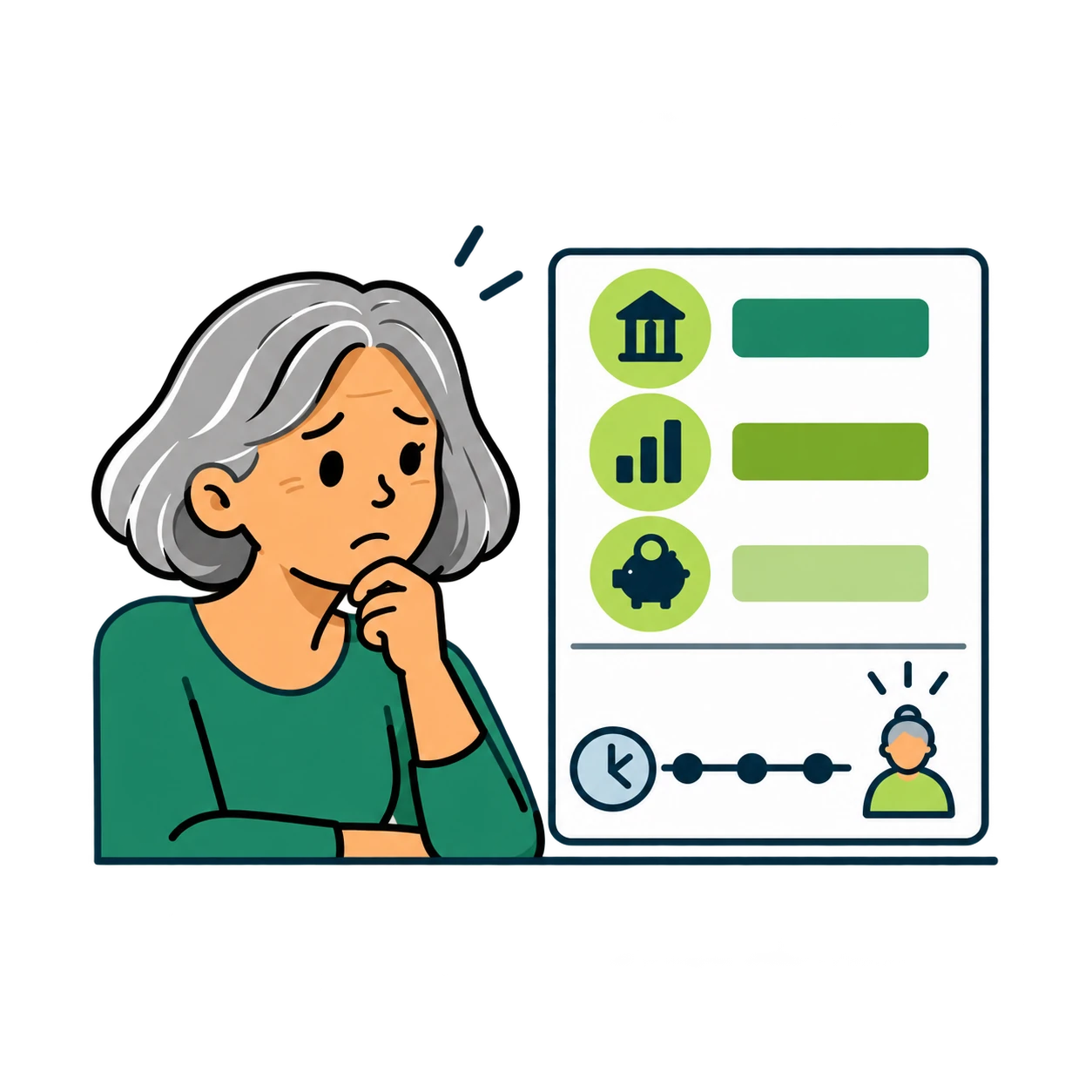
I want to understand how my numbers could develop by the time I retire.

For example, I change when I would like to retire and calculate the example again.

I compare two possible developments.
Example calculations, not guaranteed predictions.
You don’t need to be a financial expert. Your account balances and regular payments are a useful starting point. Add other values such as investments or pension assets when they are relevant to your situation.
Have your current account and savings balances and details of regular payments ready, such as rent and insurance bills. If you want to include pension assets, the relevant statements will help.
No. You don’t have to record individual purchases for this overview. You assign your regular payments to the months in which they are due.
Starter is free. Bring your financial values together, view regular payments by month and visualise money flows in a diagram. Future projections are planned for Professional and are not available yet.
View all plan details →The application is currently still called Finflow. There you create your personal account with your email address, name and password, choose your settings and confirm the legal information. Then activate your account through the email. You enter your financial values after logging in.
You enter your financial values and regular payments yourself and keep them up to date. You decide which values to include. Missing information may leave your overview incomplete.
Reading this website does not load financial data from the application. You enter your own values in your account, where they are stored in the application. You can use its Privacy area to request access or deletion. The privacy notice explains processing, storage locations and retention in detail.
Read the privacy notice →Create your free account and bring your numbers together.
The application is currently still called Finflow. Account creation and login take you there for now.
Not personal financial, tax, legal or investment advice.